IT Support &
Data Transfer & Computer Cloning
Professional Tech Support & Solutions
Professional Tech Support & Solutions
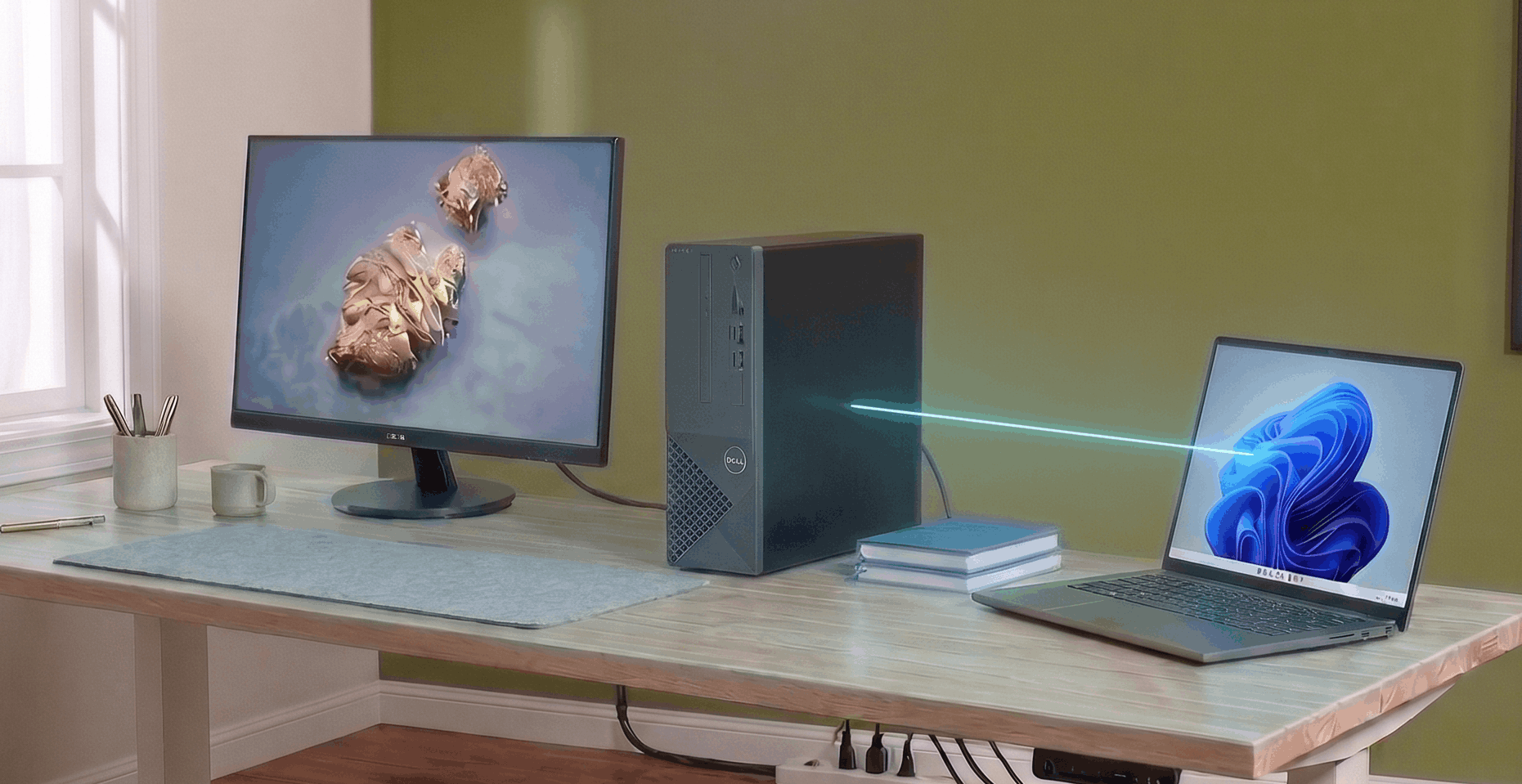
This service entails complete drive cloning and data migration. It involves replicating the entire desktop environment, including bookmarks, applications, personalized settings, and saved passwords, ensuring the new machine functions exactly like the old one.
Data is moved cleanly without transferring bloatware or junk files. The integrity of the cloned data is carefully verified to prevent data loss during the transition.
Old drives are securely wiped or physically destroyed upon request to protect sensitive data from exposure.
When you need tech help, you shouldn't have to wait weeks or deal with confusing jargon. We are proud to be one of the most highly-rated IT services in the area, offering fast turnarounds and the flexibility of convenient local drop-off or on-site support.
Our clients choose us because we provide honest, knowledgeable diagnostics. Whether we are performing complex data recovery or troubleshooting multiple household devices, our technicians are highly professional, patient, and always take the time to explain the repairs in plain English.
Loading options...
The current machine is reviewed to determine the total storage footprint, identify background applications, and ensure the new hardware is fully compatible to receive the incoming data without driver conflicts.
The desktop environment—complete with saved passwords, browser bookmarks, and software settings—is precisely replicated onto the new computer.
The newly cloned system is booted and evaluated to verify that files, applications, and preferences are properly located.
Once the migration is finished, the new machine is rigorously tested to verify that everything operates correctly so your workflow can resume immediately. The software transfer process is backed by a service warranty.
Learn what to expect during service, how appointments work, and how we help you choose the best next step for your computer or network.
We start by reviewing the computer you're moving from and the device or drive you're moving to. After confirming that the destination has sufficient storage and is compatible, we'll discuss whether a file transfer or a system clone is the better approach. Once the transfer is complete, we check the accessible files and relevant settings with you so there are fewer surprises when you start using the new system.
In many cases, yes. We can help move personal files and assess which settings or compatible applications can be carried over to a new computer. Some software needs to be reinstalled or activated separately because licenses and operating systems differ. We'll explain any limitations ahead of time and help you prioritize the files and information that matter most.
When you schedule the service, let us know whether you're moving files between two computers or replacing a drive within the same machine. We may ask for both devices, their chargers, and any external storage involved. We'll confirm what to bring before your appointment so the process is as convenient as possible.
Ready to get started? Fill out the standard service request form below and the technician will be in touch shortly.